Studio management
Your studio day, clear from the morning
Aubeli shows you what matters today and takes care of the repetitive messages. You spend less time on your phone and more with your guests.
The day view
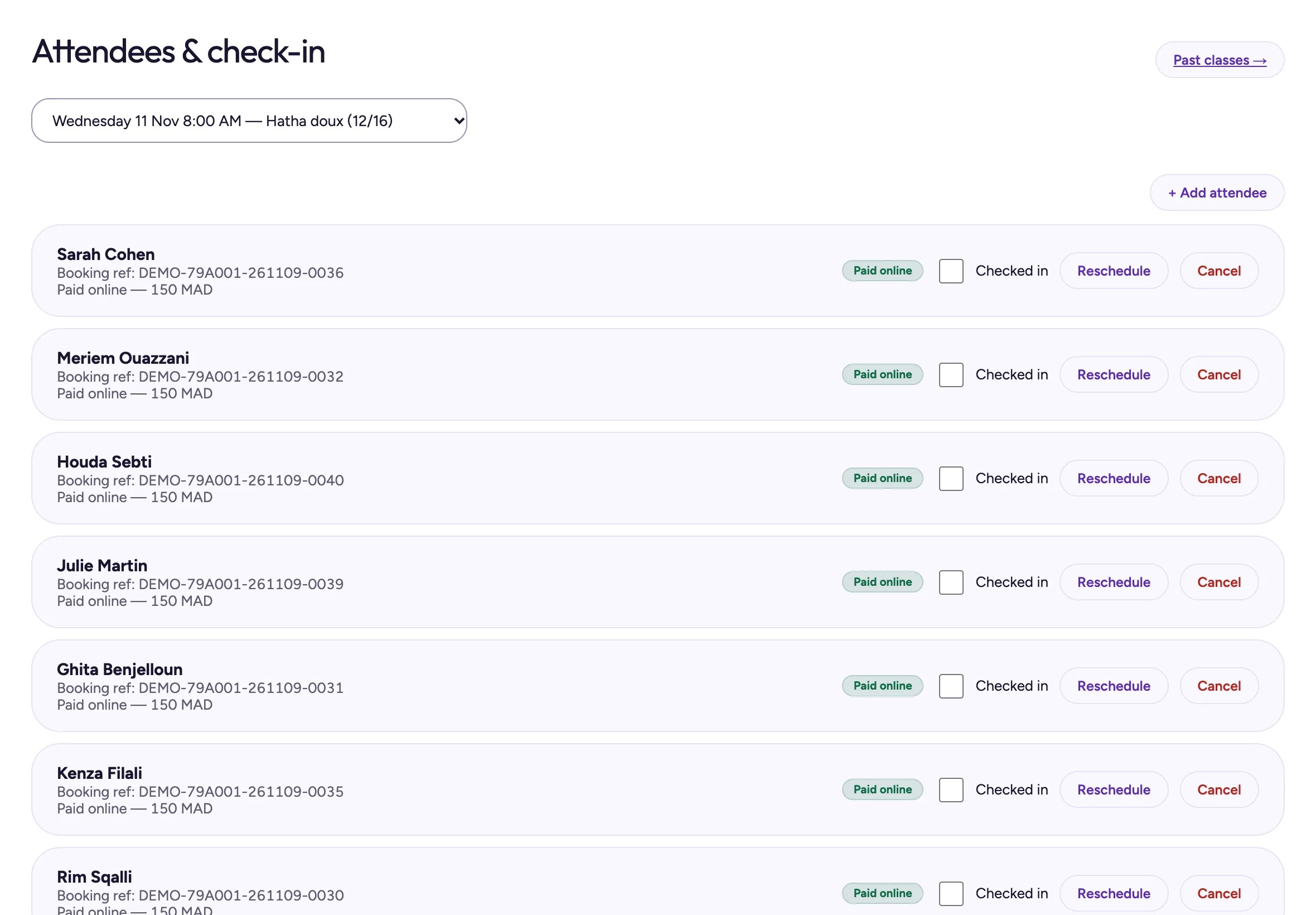
When you open Aubeli, you see the next class, who is new, the money to collect and what is left to do. Before class, you open the list of attendees and check them in. Every guest has their own history.
- Next class and new guests
- Money to collect
- Check-in
- History for each guest
Schedule and team
Set up your recurring classes once, then edit or cancel a session when you need to. Assign classes to your teachers and print the schedule. Four roles decide what each team member can see and do.
- Recurring classes
- Teachers
- Printable schedule
- 4 staff roles
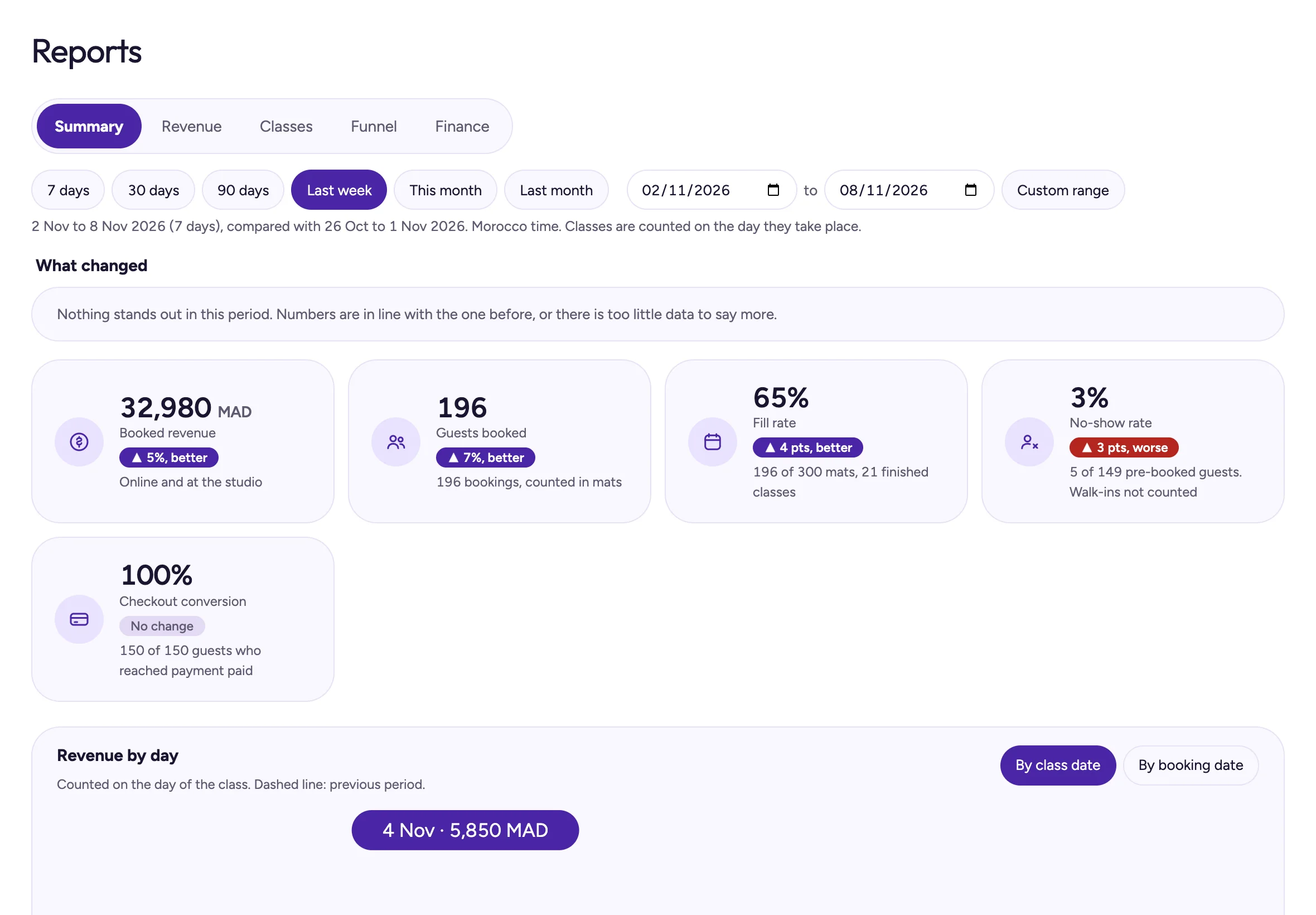
Your figures, no spreadsheet
Reports show your revenue and class attendance. Export everything to CSV whenever you like. Every Monday, a summary of the week arrives by email.
- Revenue and attendance
- CSV exports
- Monday email summary
Messages that send themselves
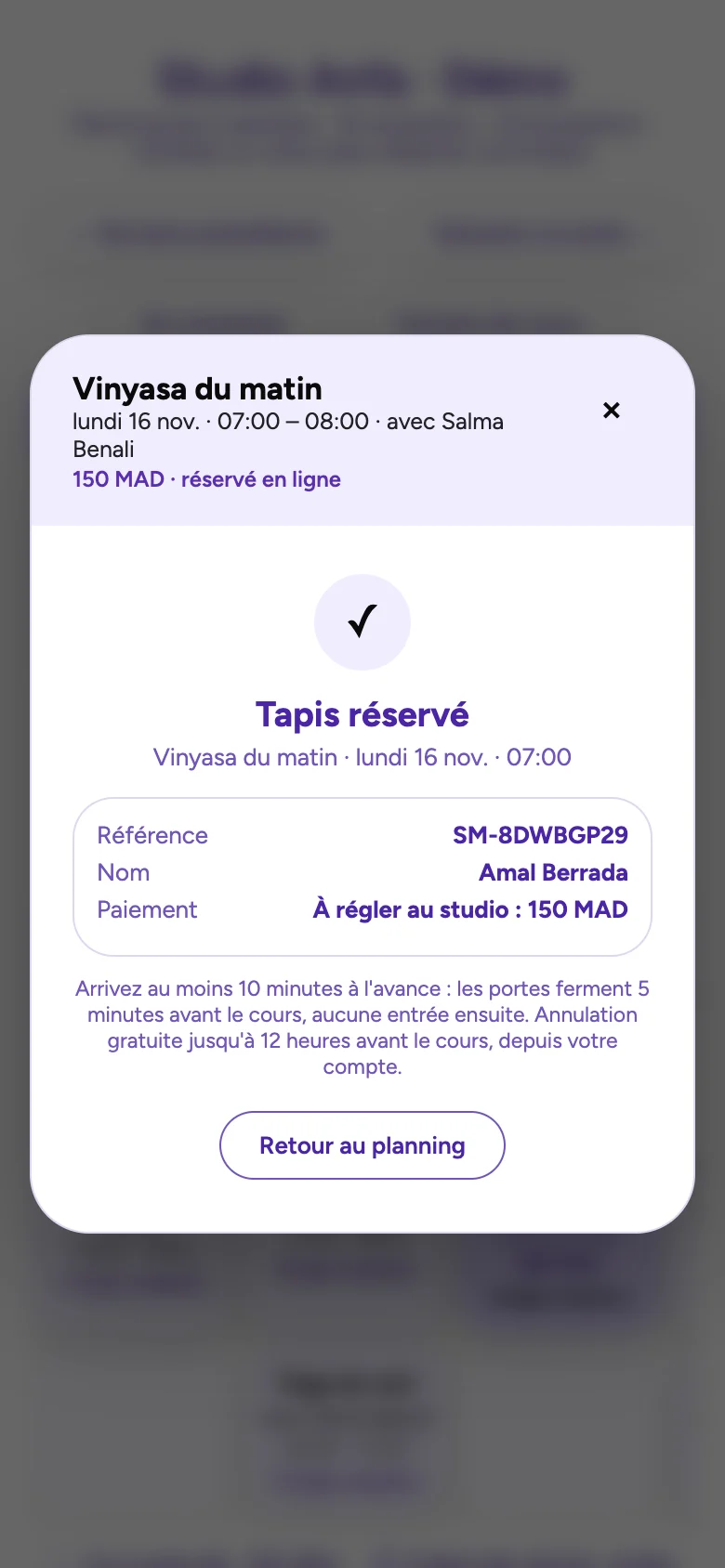
Aubeli sends booking confirmations and payment reminders on WhatsApp. After class, guests get a message with your Google review link and the next classes.
- WhatsApp confirmations
- Payment reminders
- After-class message with Google review link
Records and privacy
The activity log keeps track of who did what. If a guest asks, you can export or erase their data in a few clicks.
- Activity log
- Export and erase a guest’s data
Your questions.
How many of my team can use Aubeli?
The Studio plan includes 5 staff members. Studio Plus has no limit.
How many WhatsApp messages are included?
600 messages a month with Studio, 2,000 with Studio Plus.
Can I get my data out?
Yes. Reports export to CSV, and you can export a guest’s data at any time.
My studio is in a hotel. Does Aubeli handle room charges?
Yes. You can add a class to a hotel guest’s room bill.
Check in your first guest
In the demo, open the day view, check a guest in and read your reports.